Downloads
The installers arrive through a link in your purchase email, together with the license key. Here you find the requirements, the steps to install and the news.
Installers for customers
Each installer brings the Neo apps, with OCR and the command-line tools.
- WindowsWindows installerDownload
- macOSmacOS installerDownload
- LinuxLinux packageDownload
- AndroidNeoProof Mobile: photographs the sheets and sends them to the computerDownload
The download link and license arrive in your purchase email. Lost access? Click Download and ask support for a new link.
System requirements
One installer per program, or the Neo Suite installer with every program in your license.
Windows
Installer for Windows 10 and 11.
- Word for Windows for the NeoMath tab
- NeoMath menu in InDesign, if you want it
- OCR model included (about 120 MB)
macOS
Installer with the Neo apps.
- Word for Mac with Microsoft 365 for the add-in
- InDesign for the Neo plugin
- OCR model included
Linux
Package for Debian, Ubuntu and derivatives.
- X11 or Wayland for OCR capture
- Command line and MCP
- OCR model included
From download to first use
- Step 1
Download
Open the link in your purchase email and pick the installer for your system.
- Step 2
Install
Follow the installer; Word and InDesign have their own guides in the documentation.
- Step 3
Activate
Open the program and paste the license key you received by email.
- Step 4
Use
New versions arrive on their own: the program lets you know and updates.
What's new
October 2026
Improvements released to customers in this round:
- NeoProof: the new app to create answer sheets, read them by scanner or phone and grade exams with an answer key.
- NeoMath: equation display styles (classic, display and inline), thousands separator per selection and color highlighting in LaTeX code.
- NeoMath: code and preview side by side or stacked, with the code on either side.
- NeoConverter: every input converts to every output of the same category, with a notice of what doesn't fit the destination.
- OCR: choice between the standard model and a light one, and selection across several monitors with a global shortcut on Windows.
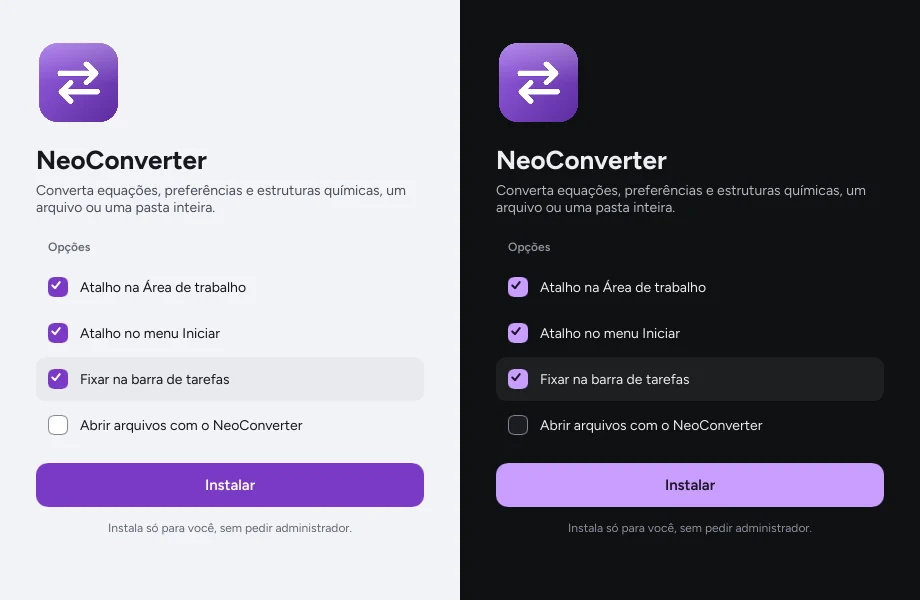
- Neo Suite: a single installer for the apps, with an option to set them as default programs.
Frequently asked questions
I lost the download link. Now what?
Ask for a new link through the contact form, choosing New link to download the programs and using your purchase email. It arrives the same business day.
Can I install on more than one computer?
Your license says how many computers the same key can activate. To switch computers, deactivate the old one from the license screen.
How will I know about new versions?
The program lets you know and updates itself. What changed in each version is also on this page.